Free online check
Every check in the free online check
Last updated October 27, 2026
Before a guest ever walks in, they've looked you up: your Google listing, your website, how fast it opens on their phone. The free online check looks at what they see, in up to 49 checks.
Here is every one, with the points it counts for and where its facts come from, so you can see exactly how your score is made.
How the score is worked out
- A check that passes earns all its points, “Could be better” earns half, “Needs fixing” earns none.
- Your score is the points earned out of the points of the checks we could make, out of 100. All 49 checks together count for 186 points.
- A check we couldn't make shows “Couldn't check” and is left out of the score. It never counts as a fail: if we can't read something, we don't mark you down for it.
- The letter: A from 90, B from 80, C from 70, D from 60, F below 60.
- Some checks only apply where they make sense: a way to book a table for sit-down restaurants, a reason to order direct for sites that take orders, picture descriptions for pages with pictures, the description's length for pages that have one, and your town and food words when Google gives us your town and kind of restaurant.
Your Google listing: 11 checks
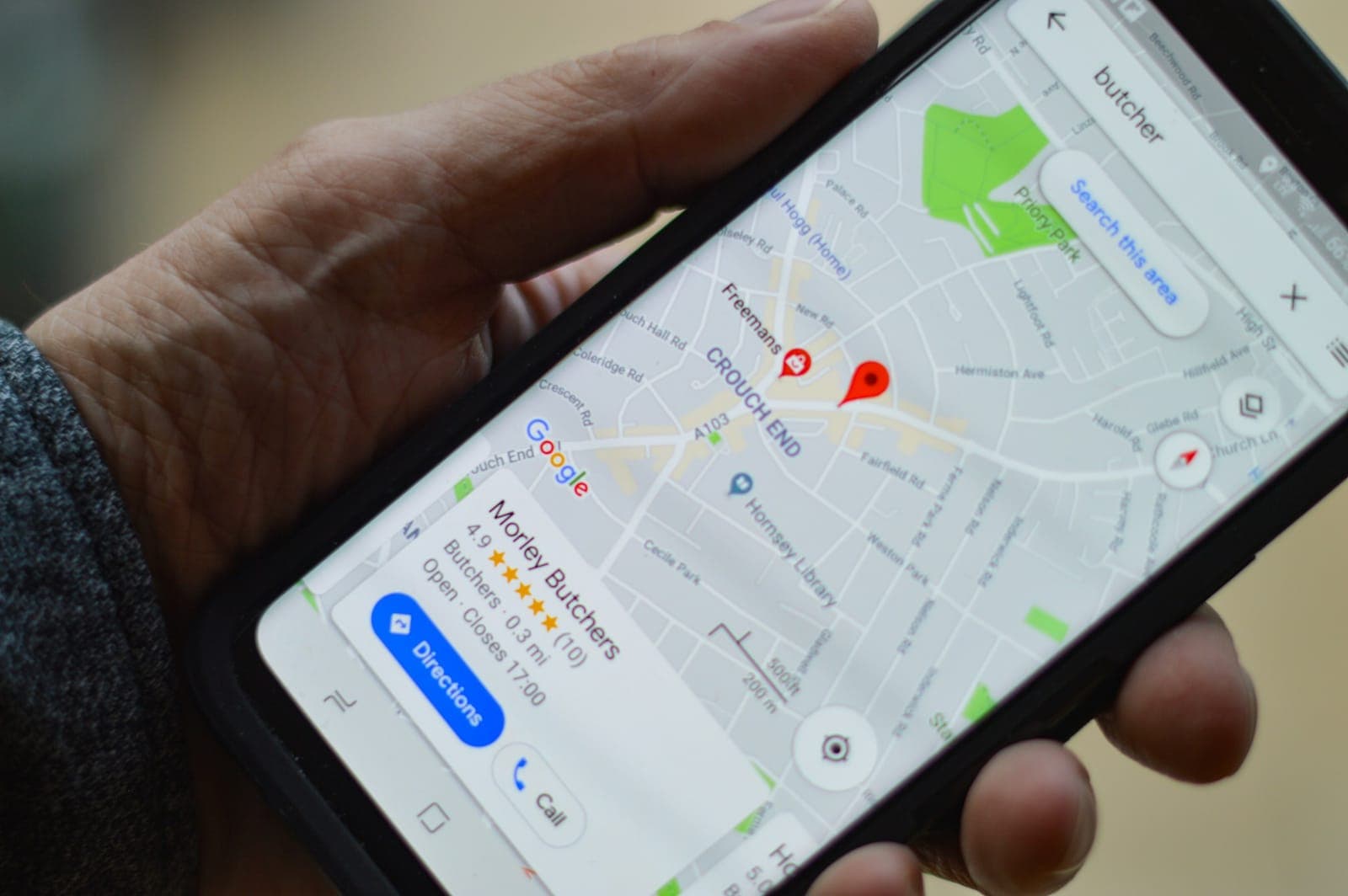
Most guests meet you here first: on Google Maps, deciding between you and the place down the street.
Where the facts come from: Your Google Business Profile as Google's Places API returns it; the places nearby that Google lists as the same kind of restaurant; and where you come up in the first 20 places Google returns for two searches in your town.
“Couldn't check” when: Google returns no places like yours nearby to compare with, or the Google Maps searches don't answer.
| Check | Heading | Points |
|---|---|---|
| Opening hours on Google | Profile | 8 |
| Phone number on Google | Profile | 5 |
| Website link on Google | Profile | 8 |
| Photos on Google | Profile | 8 |
| Star rating against places nearby | Reviews | 8 |
| Number of reviews against places nearby | Reviews | 8 |
| A description on Google | Profile | 3 |
| Price range on Google | Profile | 2 |
| Dine-in, takeout and delivery on Google | Profile | 3 |
| “<your kind of food> in your town” on Google Maps | Google Maps ranking | 6 |
| “Best <your kind of food> in your town” on Google Maps | Google Maps ranking | 6 |
Your website: 31 checks

The guests who tap through want your menu, your hours and a way to order, without hunting for them.
Where the facts come from: The home page your Google listing links to, read the way a browser receives it (and the menu page it links to, when the menu isn't on the home page). We read only what's in the page itself: words, links, and the title and description written for Google.
“Couldn't check” when: Your listing has no website; the site doesn't answer or answers with an error; it shows a security check (“Just a moment…”, “Access denied”, a CAPTCHA) instead of its page; or we can read only a little text on it, most often because it's drawn by scripts. Then a check of its words is “Couldn't check”, never a fail.
| Check | Heading | Points |
|---|---|---|
| Secure website (https) | Address | 4 |
| Made for phones | Phones | 6 |
| Menu a phone and Google can read | Menu and ordering | 10 |
| Online orders on your own terms | Menu and ordering | 12 |
| Tap to call | Finding and reaching you | 4 |
| Title and description for Google | What Google reads | 4 |
| Your own web address | Address | 3 |
| Your Google link lands on your site | Address | 2 |
| Google is allowed to list your page | What Google reads | 6 |
| A main headline on the page | What Google reads | 2 |
| Your town in your headline, title and description | What Google reads | 3 |
| What you serve in your headline, title and description | What Google reads | 3 |
| A description the right length | What Google reads | 1 |
| Restaurant details Google can read | What Google reads | 3 |
| A preview when your link is shared | When your link is shared | 2 |
| A preview card for X (Twitter) | When your link is shared | 1 |
| A small icon for browser tabs | When your link is shared | 1 |
| Enough words about your restaurant | What your page says | 2 |
| Your story | What your page says | 1 |
| Answers to common questions | What your page says | 1 |
| Guests' reviews on your site | What your page says | 1 |
| Pictures with descriptions | What your page says | 1 |
| Links to your social pages | What your page says | 1 |
| Your address written on your site | Finding and reaching you | 3 |
| Your hours written on your site | Finding and reaching you | 3 |
| Your phone number written on your site | Finding and reaching you | 3 |
| A way to reach you besides calling | Finding and reaching you | 2 |
| A way to sign up for your news | Finding and reaching you | 2 |
| Gift cards | Finding and reaching you | 1 |
| A reason to order from you, not an app | Menu and ordering | 2 |
| A way to book a table | Menu and ordering | 2 |
Phone speed: 7 checks

On a phone, a page that takes too long to show is a page many people leave before it loads.
Where the facts come from: Google's own speed test (PageSpeed Insights, mobile), with Google's goal for each measure, and real Chrome visitors' speed over the last 28 days (Chrome UX Report) when Google has enough of them.
“Couldn't check” when: Google's test can't load your page in time, or Google doesn't have enough real visitors' data for your site.
| Check | Heading | Points |
|---|---|---|
| Google's phone speed test | Google's speed test | 15 |
| Time until the main content shows | Google's speed test | 3 |
| Time until anything shows | Google's speed test | 2 |
| The page holding still while it loads | Google's speed test | 2 |
| Time the page is frozen to taps | Google's speed test | 2 |
| How fast the page fills in | Google's speed test | 1 |
| Speed for your real visitors | Real visitors | 4 |
What the check doesn't do
- It doesn't turn your score into dollars. A score says what your listing and website show, not what you'd earn by changing them.
- It doesn't sell you a website or an ordering system, so no check leans toward one.
- It reads only what's public: your Google listing, your website's page and Google's speed test. It doesn't sign in to anything.
- Google Maps' own list can differ a little with who is searching and from where, so a ranking is where you came up for us, at that moment.
See your own
Type your restaurant's name. In about a minute you'll see each check for your place, what to fix first and how, free.
Run the free online check